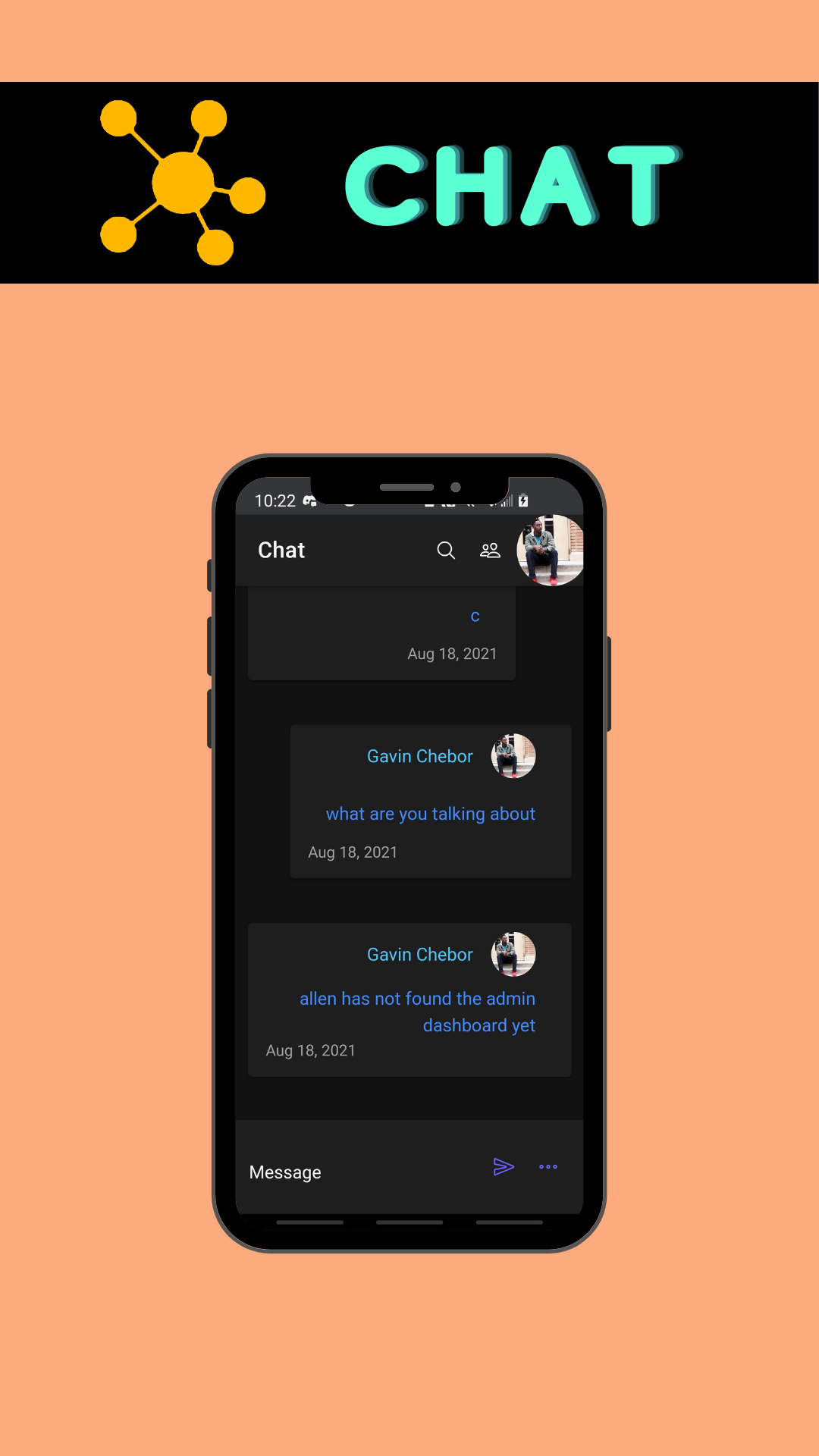
Chatting is a way to send messages from your point to another person's point even if their on the other side of the world.
How to create a chatroom?
To create a chat group, log in to be able to see your dashboard. Next: Go to your Dashboard and click your Profile Picture on the bottom of your screen. Then click the 'Pages'. Now, type in the name of your chat group. (Make sure it has no spaces, special characters, or uppercase letters.) Then, click enter and click 'Enter Chatroom'. Now that you are in the chatroom, you can now click the 'X' in the top right corner. Now click the Home icon, and now you are in the chatroom!
How to add people into a chatroom?
For someone to join a chatroom, they have to type this in the URL box: https://linky.app/dashboard/chat/[Chatroom Name] Example: https://linky.app/dashboard/chat/Test
We hope this post helped you make a Chatroom!
Help post made by Kallenie